📄 Article
Lists what a dot may do alone, what needs your approval each time, and what it must hand back to you, such as moving money.
How we build safety, security, and privacy into dots
OpenAI Sep 2026
Open openai.com →
Read the result, then the trail. Each agent keeps one: a dot shows ongoing and background work in Activity View, and you can open its own computer to watch; a Gemini task's work panel lists every step and the files it read or changed; Claude keeps tasks in Recents and past runs under Scheduled. Check the parts that would hurt if wrong: open the links it cites, recount totals, and confirm the date, amount and recipient before anything goes out. Ask it to say what it skipped, guessed or could not reach. Keep approvals on for anything that sends, buys or deletes until it has done that job well a few times. OpenAI's own advice is to review consequential work, and if checking takes longer than doing, do it yourself.
On the AI map, 29 October 2026 Agents that do tasks for you AI browsers No-code automation with AI steps Meeting notes and everyday productivity
8 resources.
Lists what a dot may do alone, what needs your approval each time, and what it must hand back to you, such as moving money.
OpenAI Sep 2026
Open openai.com →OpenAI's launch post: what a dot is, which plans get one, how approvals work and what counts against your usage.
OpenAI Sep 2026
Open openai.com →Google's guide to tasks in Gemini: who can use them, how its local and remote browsers work, and how to take over.
Google Gemini Help Oct 2026
Open support.google.com →Explains read tools against write tools, why that split decides your risk, and how to keep an eye on a running task.
Claude Help Center Oct 2026
Open support.claude.com →What the merged Claude app can take on from any conversation, and how the Auto and Manual permission settings differ.
Claude Help Center Oct 2026
Open support.claude.com →Why agent output is harder to check than chat output, and how Mollick verifies work he did not watch being done.
Ethan Mollick (One Useful Thing) Sep 2025
Open oneusefulthing.org →Mollick's way to decide when to delegate (your time against the time to brief and check) and the six questions a good brief answers.
Ethan Mollick (One Useful Thing) Jan 2026
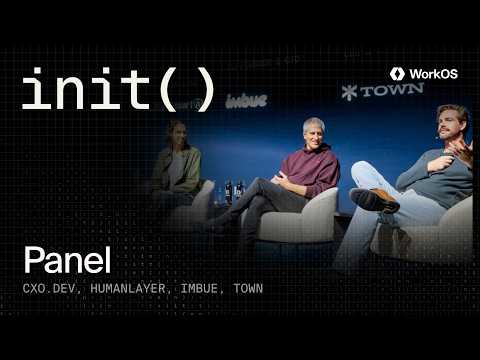
Open oneusefulthing.org →A panel on who owns an agent's work, where human review earns its keep, and how permissions keep mistakes small.
WorkOS (panel hosted by Claire Vo) Oct 2026